
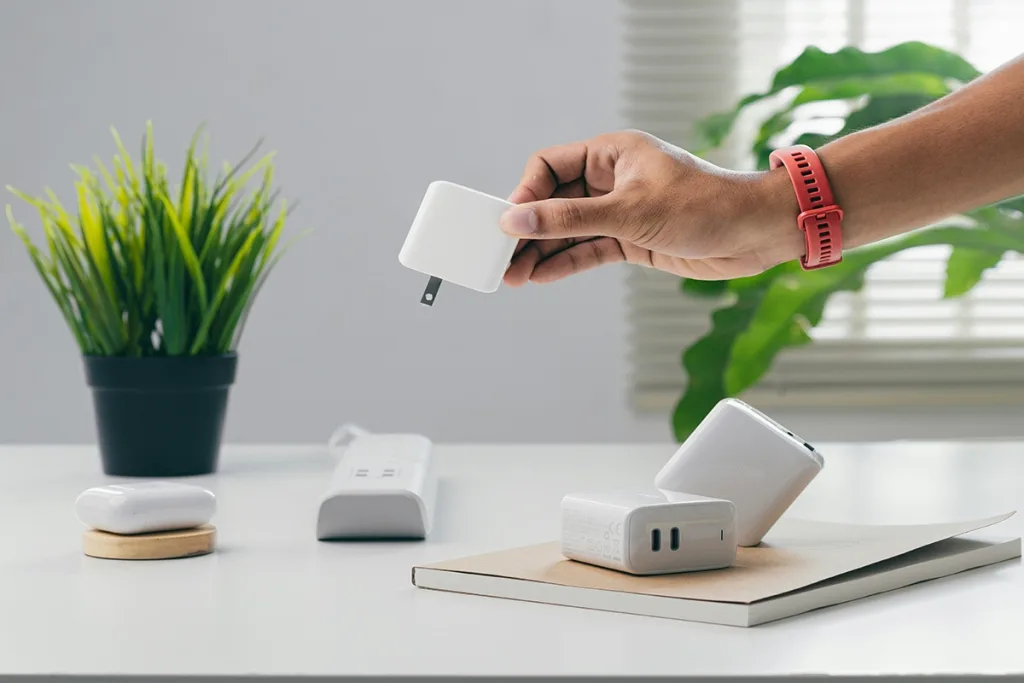
iPhone charging issues can be frustrating, and they’re more common than you might think. Why Won’t My iPhone Charge?Sometimes it’s a simple glitch, like dust in the charging port, while other times, it could be a software hiccup or even an issue with your charger. This guide is here to help you troubleshoot the most common iPhone charging problems from the comfort of home.
Table of Contents
Why Won’t My iPhone Charge?
Hardware-Related Issues
Damaged Charging Cable: One of the most common problems. If you see signs like fraying, internal breaks, or worn-out sections, it’s likely your cable might not be working as it should.
Faulty Charger or Adapter: Using an incompatible or damaged adapter can cause charging problems, or in some cases, stop charging altogether. Stick to Apple-certified or reliable third-party adapters.
Clogged or Dirty Charging Port: Dust, lint, or even small debris can block the charging port, preventing a secure connection. Regularly cleaning the port gently can help maintain proper contact.
Battery Wear and Health: Over time, iPhone batteries naturally wear out, leading to slower or inconsistent charging. Checking your battery’s health in settings can indicate if it’s time for a replacement.
Software-Related Issues
iOS Errors or Failures: Sometimes, a simple update can fix glitches. Apple frequently releases updates to address issues, including those affecting charging.
Power-Consuming Background Apps: Some apps drain your battery while charging. Identifying and managing these apps can improve charging efficiency.
Charging-Related Settings: Features like Optimized Battery Charging and Low Power Mode impact how and when your iPhone charges. Knowing how these settings work can prevent confusion.
Step-by-Step Troubleshooting Guide
If your iPhone isn’t charging, try these simple steps to troubleshoot:
A. Check the Physical Connection
Start with the basics. Inspect your charging cable, adapter, and the charging port on your iPhone for any visible issues. If the charging port looks dusty or blocked, carefully clean it with a soft, non-metallic tool (like a toothbrush or Cotton Buds) to avoid damaging it.
B. Try Different Chargers and Cables
Sometimes, the issue is with the accessories themselves. Test your iPhone with another Apple-certified charger or cable. Using Apple’s original or certified accessories often ensures compatibility and helps prevent charging issues.
C. Restart or Force Restart the iPhone
A quick restart can clear up any temporary software issues. Just press and hold the power button (and volume button, depending on the model) until you see the power-off slider, then turn it back on. If it’s unresponsive, a force restart can help.
D. Update iOS Software
Check if there’s an iOS update available. Sometimes, charging issues are caused by software glitches that Apple may have addressed in an update. Go to Settings > General > Software Update to see if there’s a new version available.
Best Accessories for iPhone Users
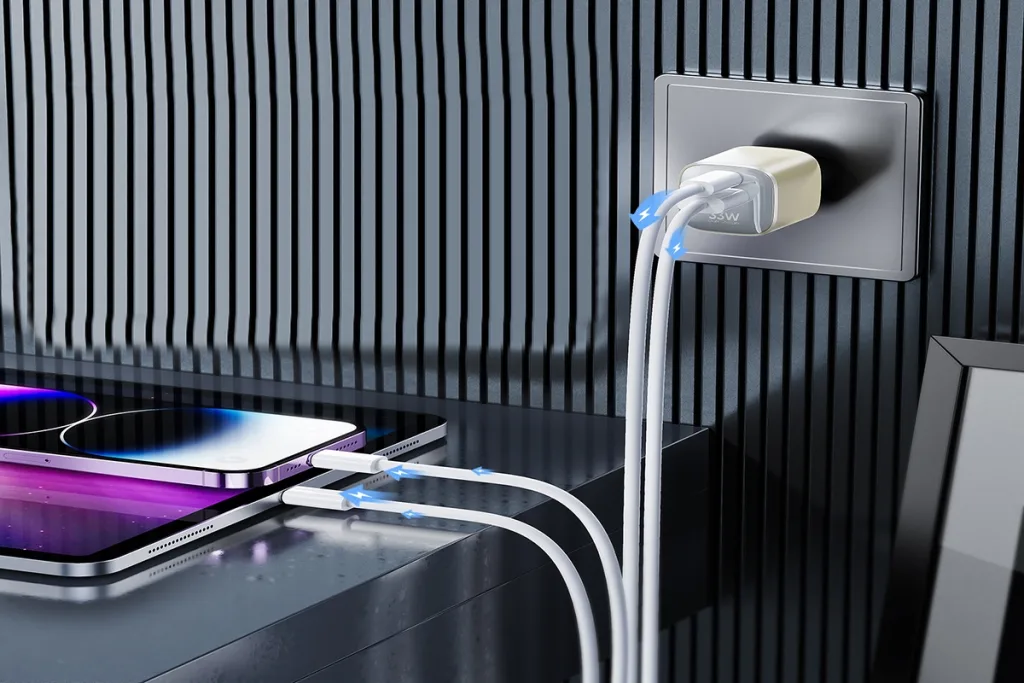
A.VIDVIE Dual Fast USB Wall Charger With GaN A+C 30W+33W
PLM358 GaN USB Wall Charger with PD Fast Charging.Compact and mini in size, as small as a cola bottle cap, making it more portable for travel.With precision craftsmanship on the exterior, it exudes a more refined and soft touch of high-end quality.Private mold product, exquisite design, mini size.Built-in AI smart chip to control charge and temperature.Compatible with mainstream phone & tablet.
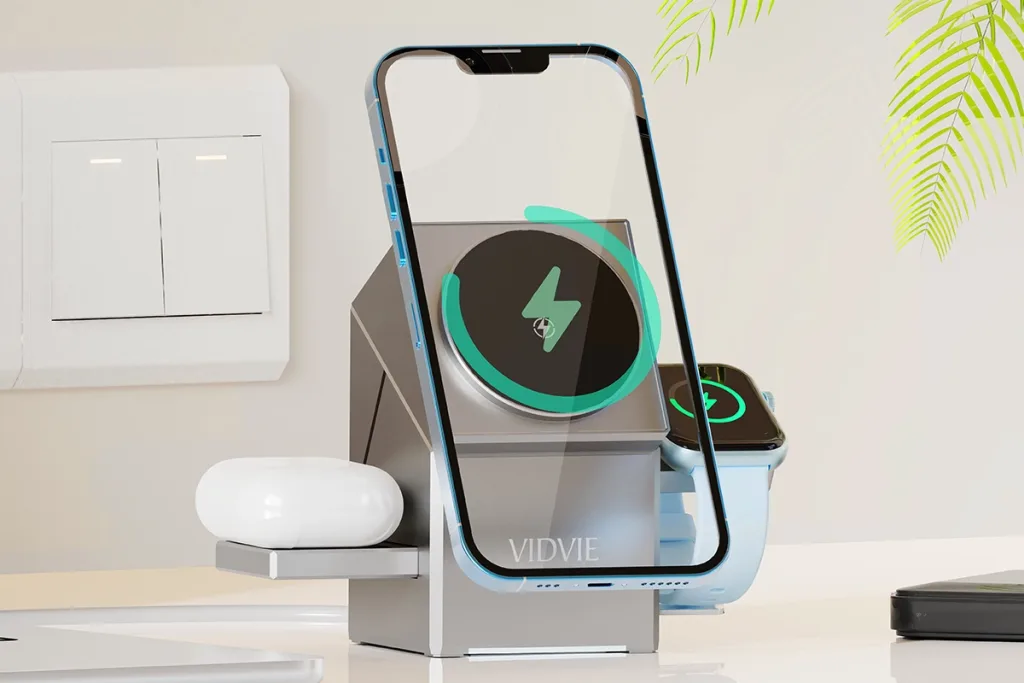
B.VIDVIE Desktop 3-in-1 Touch Control Wireless Charging Stand
WLC1421 Wireless Charging Stand for iPhone, AirPods, and Apple Watch.Stay informed about the charging status of your devices with the built-in LED indicator. The touch control feature provides a simple and intuitive way to operate the stand.Enjoy the convenience of wireless charging on the go with this portable charging stand. Equipped with a Type-C input, it offers compatibility with a wide range of power adapters.
Conclusion
If your iPhone isn’t charging, reliable charging solutions are essential to keep it running smoothly. By following the troubleshooting steps in this guide, you’re well-equipped to tackle common issues, whether they stem from a worn-out cable or a software glitch. Regularly maintaining your charging setup—cleaning ports, checking cables, and keeping iOS updated—can help avoid future problems, giving your battery a longer, healthier life.
FAQs for Why Won’t My iPhone Charge?
Why isn’t my iPhone charging even when it’s plugged in?
Sometimes, an iPhone won’t charge because of a damaged cable, adapter, or port. Dust, lint, or debris in the charging port is another common reason, as it prevents a good connection. Try using a different certified charging cable or gently cleaning the charging port with a soft tool to see if that helps. A simple restart can also fix any temporary software glitches that may interfere with charging.
Can I use any charger for my iPhone, or does it need to be Apple-certified?
While non-certified chargers may still work, Apple-certified (MFi) chargers are generally safer and help prevent issues like overheating and battery wear. Certified accessories are designed to meet Apple’s standards and are less likely to damage your iPhone’s battery over time. So, it’s best to stick with Apple-approved chargers for reliable and safe charging.
Is it normal for my iPhone to heat up while charging?
A slight warmth is normal when charging, especially if using fast chargers, but if your iPhone gets excessively hot, it could affect battery health over time. Avoid charging in direct sunlight or high-temperature environments, as this can increase overheating. If the heating persists, try a different charger, and make sure your iOS software is up-to-date, as updates often include battery and charging optimizations.