
USB C applications are now widely used, and many electronic products also use USB C cable. Most people think that almost all USB C cables are the same, but in fact, they are not the same. In this article, we will analyze the main differences between USB C cables and explain in detail what kind of USB C cable is suitable for what kind of device.
Table of Contents
What is a USB-C Cable?
USB C has a reversible design, so you can insert it from the front or back. In terms of transmission speed, compared with traditional USB, USB-C has a much faster transmission speed, and can quickly output files, videos, etc. In addition, it also supports power delivery (PD) to quickly charge your devices. Whether you want to charge or transport, USB-C can serve you well.
How many types of USB-C cables are there?
There are three main types of USB-C cables, and each type has different functions:
Power Delivery (PD) Cables:This cable is designed to charge devices faster, and if you want fast charging, a PD USB-C cable is your best choice. PD cables are ideal for devices like laptops, tablets, and smartphones.VIDVIE PD cable wholesale.
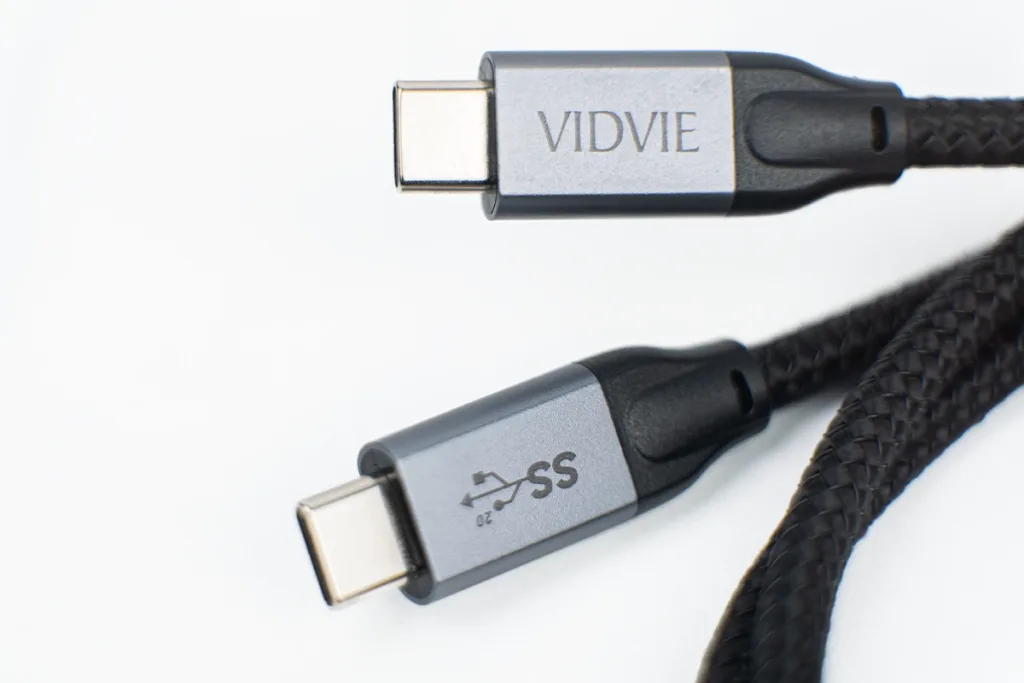
Data Cables: If you need to transfer files frequently, choose a data cable type c cable. In terms of transfer speed, different specifications of USB-C cables have different speeds. USB 3.0 is slower, while USB 3.1 and USB 3.2 support faster transfer rates.Now the latest version is USB 4.0.
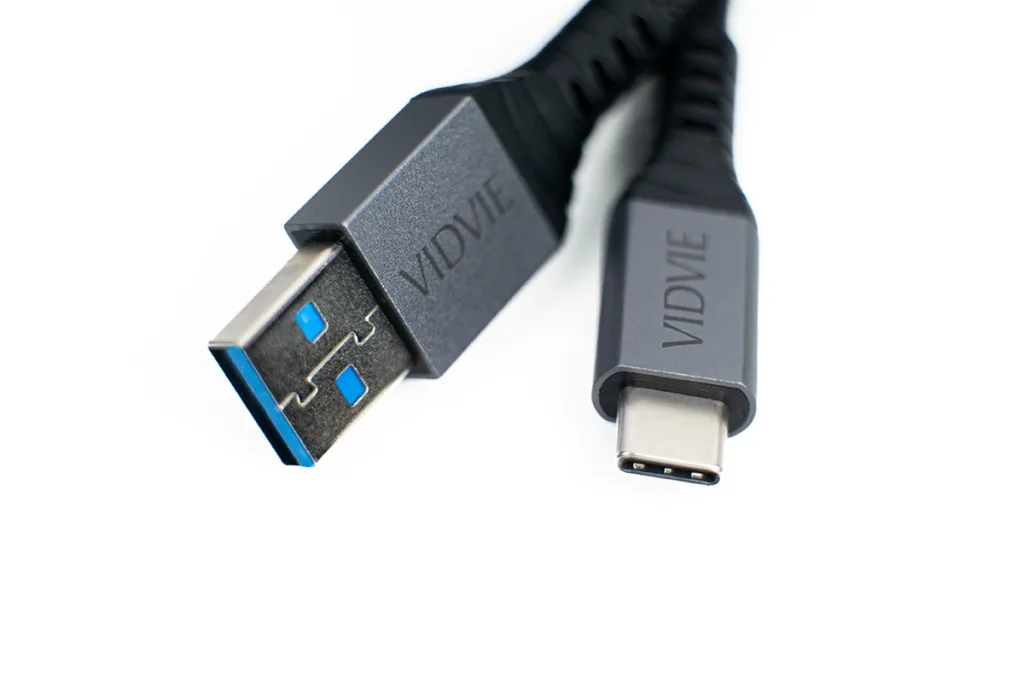
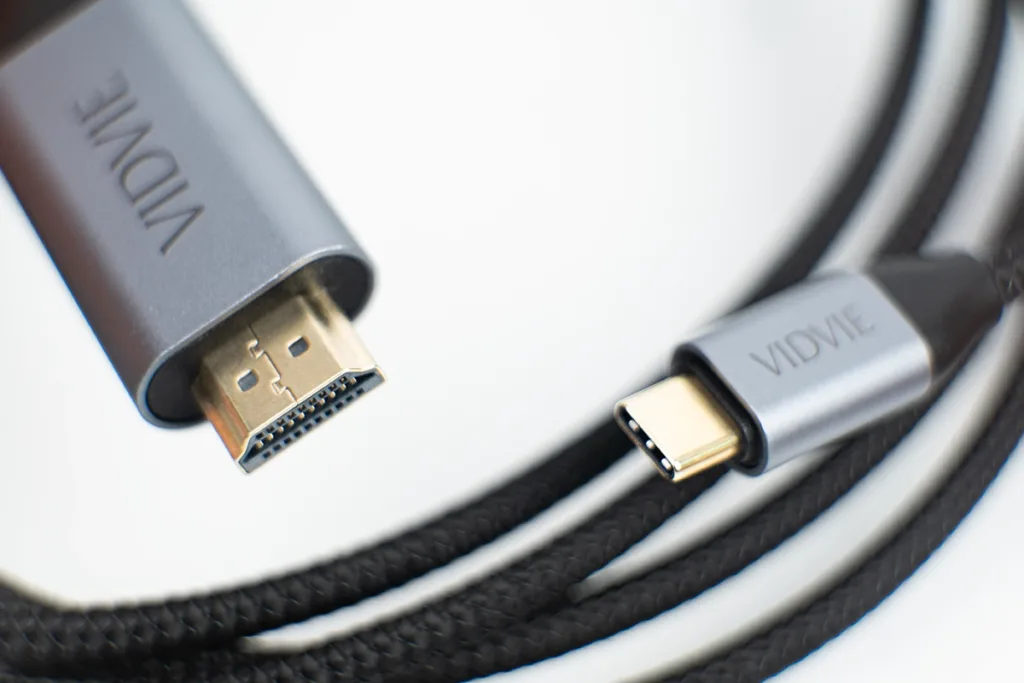
Audio Cables: There is also a type of cable that can connect monitors, TVs and projectors to transmit video signals. It complies with the Thunderbolt or DisplayPort standard and can output more high-definition video.Contact us for the USB-C Audio Cables.
Are all USB-C Cables the same voltage?
No, not all USB-C cables have the same voltage. The voltage for daily basic charging is about 5V. But for some USB-C cables that support power delivery (PD), the voltage is more than 5V, such as 9V, 15V or even 20V, which can provide faster power to high-voltage devices such as laptops. If you use an ordinary charging cable on a high-power device, it is likely to charge slowly or get hot. At this time, the USB-C cable with PD function solves this problem very well, so you will see many Type C cables on the market that support “fast charging” or “high-speed charging”.
Factors that influence a USB-C cable’s charging
There are several other small factors that can affect charging performance.
Cable length: For cables of the same specification, the longer the cable, the greater the resistance, and the slower the charging speed. Conversely, if you want faster charging efficiency, you can choose a shorter cable.
Cable Gauge: Charging speed is also related to the thickness (lower gauge number) of the wire inside the cable. The thicker the wire, the lower the specification, and the faster the charging speed. The thinner the wire, the higher gauge number, may not be able to support high-power power transmission, and the charging time will be slower.
FAQs About USB-C Cables
How do I know if my cable is high quality?
Check for certification labels like USB-IF or ensure it meets the power and data transfer specifications for your device.
Can I use a USB-C cable for both charging and data transfer?
Yes, most USB-C cables support both charging and data transfer, but make sure the cable supports the required data speeds.
Why does my USB-C cable charge slowly?
A slow charging speed can be due to a low-quality cable, incompatible charger, or the cable not supporting high power delivery.
Conclusion
In short, not all USB-C cables are created equal. Choose a higher quality cable based on your charging needs and safety.