
Table of Contents
Introduction
For mobile phone users, the charging port cannot be used as if the earth cannot rotate today and daily life cannot function normally. A common problem may be loose connections. There is no response when charging, there are foreign objects in the charging port, etc.VIDVIE is here to help. This article offers practical DIY tips to troubleshoot minor problems and advice on when it’s time to seek professional repair. With clear guidance, you can ensure your phone stays reliable and efficient.
Issues with Charger Ports
Phone Does Not Charge or Charges Intermittently
This type of problem is usually caused by a damaged port connector or a defective computer. Another possibility is a software glitch or dirt in the port.
Loose Connection Between Charger and Port
This problem may be caused by the connectors being worn out over time, the cable being incompatible, or being damaged.
Visible Dirt or Debris Inside the Port
Dust and lint can block the connection between the charger and the port. Over time, this buildup can prevent proper charging.
Abnormal Heating During Charging
Overheat may signal internal damage to the charging port or the use of a non-certified charger. This could harm your phone’s battery and performance.
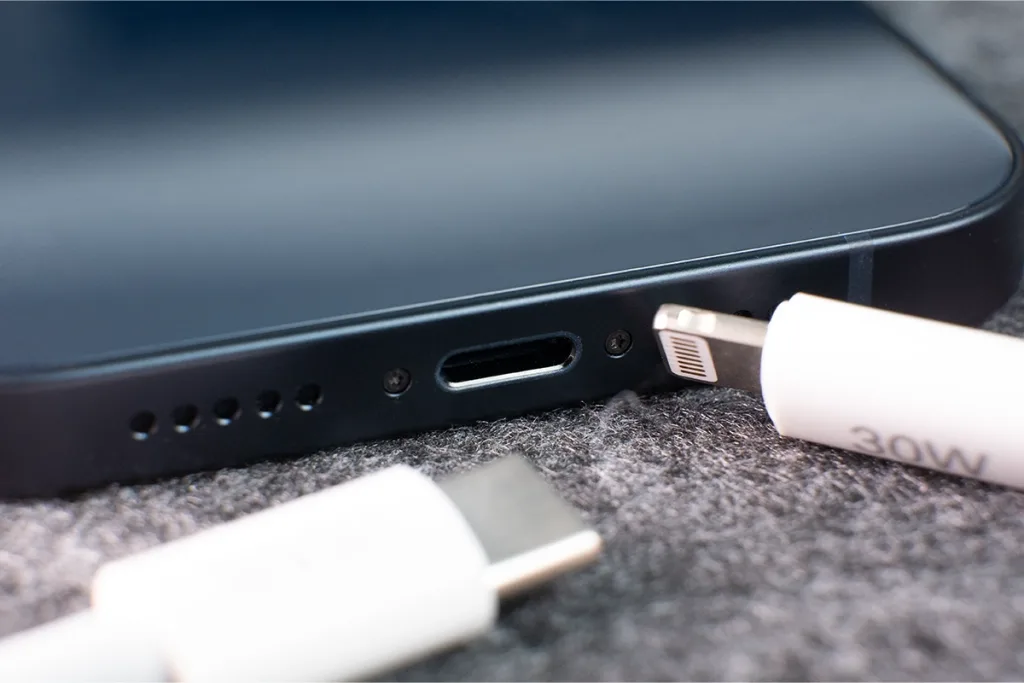
Fixes for Charging Port Issues
Check the Charger and Cable
Before assuming a port issue, ensure the charger and cable are not faulty. Try using a different charger or cable to rule out these accessories.VIDVIE can provide you with relevant charger and cable supply services. If you need wholesale services, please contact us to get better products.
Restart the Phone
Sometimes, software glitches can mimic charging problems. Restarting your phone can help fix any temporary issues preventing charging.
Check and Clean the Port
Dust or water droplets in the port can block the connection. Use a cotton swab to gently remove dust. If there’s moisture, let the charging port dry completely before charging.
Be Cautious with DIY Repairs
Many people turn to online tutorials for phone repairs. However, improper DIY repairs can worsen the problem. If you’re unsure, it’s best to seek help from a professional repair technician.
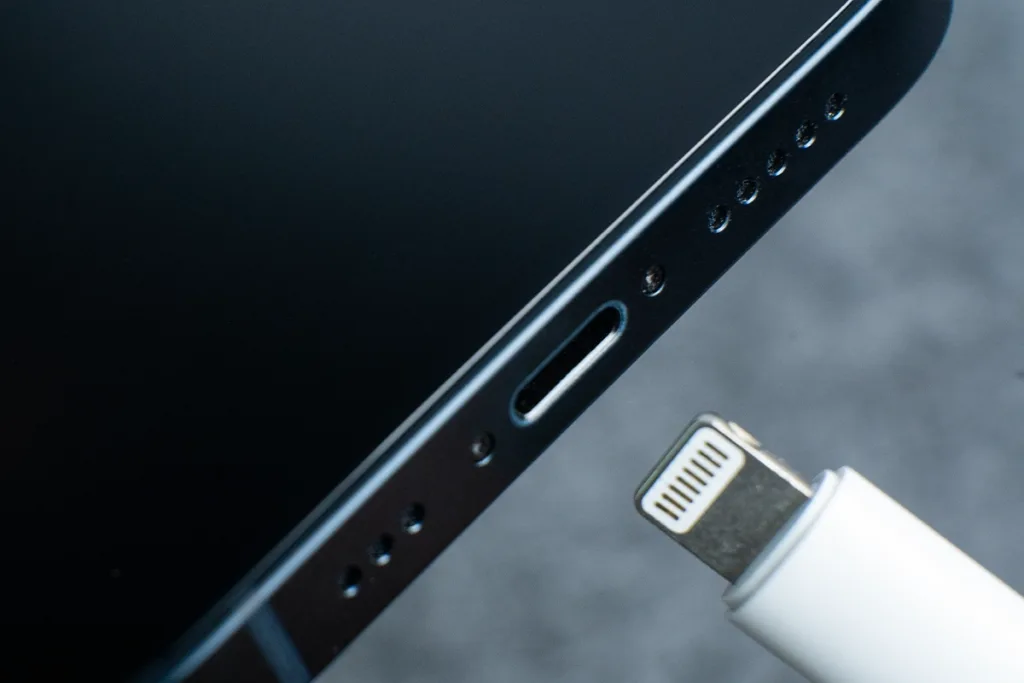
Preventing Charging Port Damage in Your Smartphone
Avoid Using Your Phone While Charging
Using your phone during charging creates unnecessary stress on the port. Repeated movements can loosen or damage the connection over time.
Use a Compatible and High-Quality Charger
Always use a charger that matches your device’s specifications. Low-quality or incompatible chargers can cause overheating or damage the port.
Keep the Port Clean
Dust and debris can accumulate in the charging port, leading to poor connections. Use a soft brush to clean the port gently. Avoid sharp objects that could harm the internal components.
Handle the Cable with Care
Plug and unplug the charger gently. Avoid yanking the cable, as this can strain the port and cause wear.
FAQ
How Do I Know If My Charging Port Is Damaged?
If your phone doesn’t charge or the cable feels loose, the port might be damaged. Try cleaning it first, but if the problem continues, get it checked.
Can I Clean the Charging Port Myself?
Yes, you can use a soft brush. Just don’t use anything sharp that could scratch or break the inside.
Is It Expensive to Repair a Charging Port?
It depends on the phone and the damage. Most repairs are affordable, but get a quote from a trusted repair shop to be sure.
Conclusion
Fixing a phone charging port doesn’t have to be complicated. Start by cleaning the port, checking the cable, and making sure everything fits snugly. If that doesn’t work, it might be time for a professional repair. Remember, using the right tools and getting help from experts is key to avoiding further damage.
At VIDVIE, we provide helpful solutions to keep your devices in top shape. Stay tuned to our website for more tips and tech advice!