
USB technology has become a staple in our daily lives. From charging our devices to transferring data, it’s hard to imagine a world without it. But with various types of USB connectors out there, it can get a bit confusing. Two of the most common types are USB A and USB C.This article aims to provide a clear comparison of USB A vs USB C. We’ll break down the key differences, so you can decide which type is best for your needs. Whether you’re looking to upgrade your tech or simply want to understand the options available, we’ve got you covered. Let’s go!
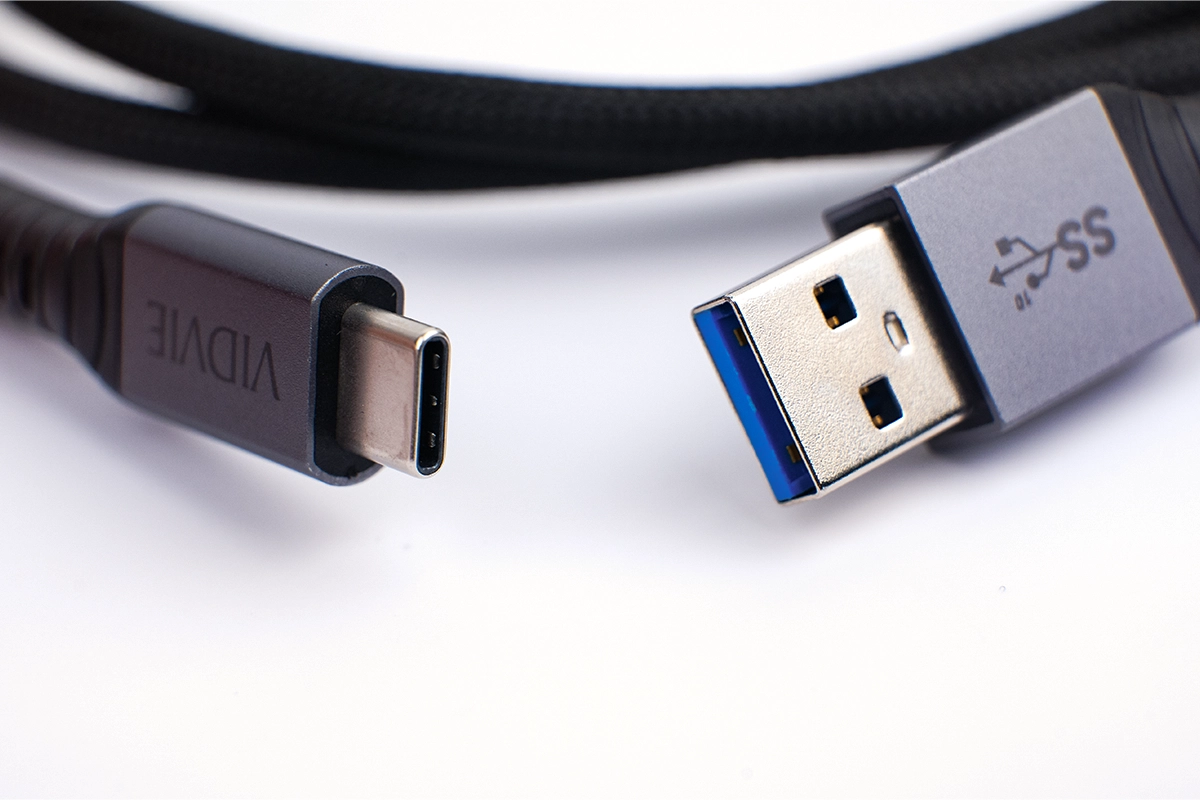
Table of Contents
What is USB A?
USB A is one of the classic connectors in the USB family. Think of the familiar rectangular plug—it’s the type we’ve used for years to connect things like keyboards, mice, printers, and flash drives. With its flat, rectangular shape, USB A only fits one way, so you’ll often find yourself flipping it around until it clicks in.
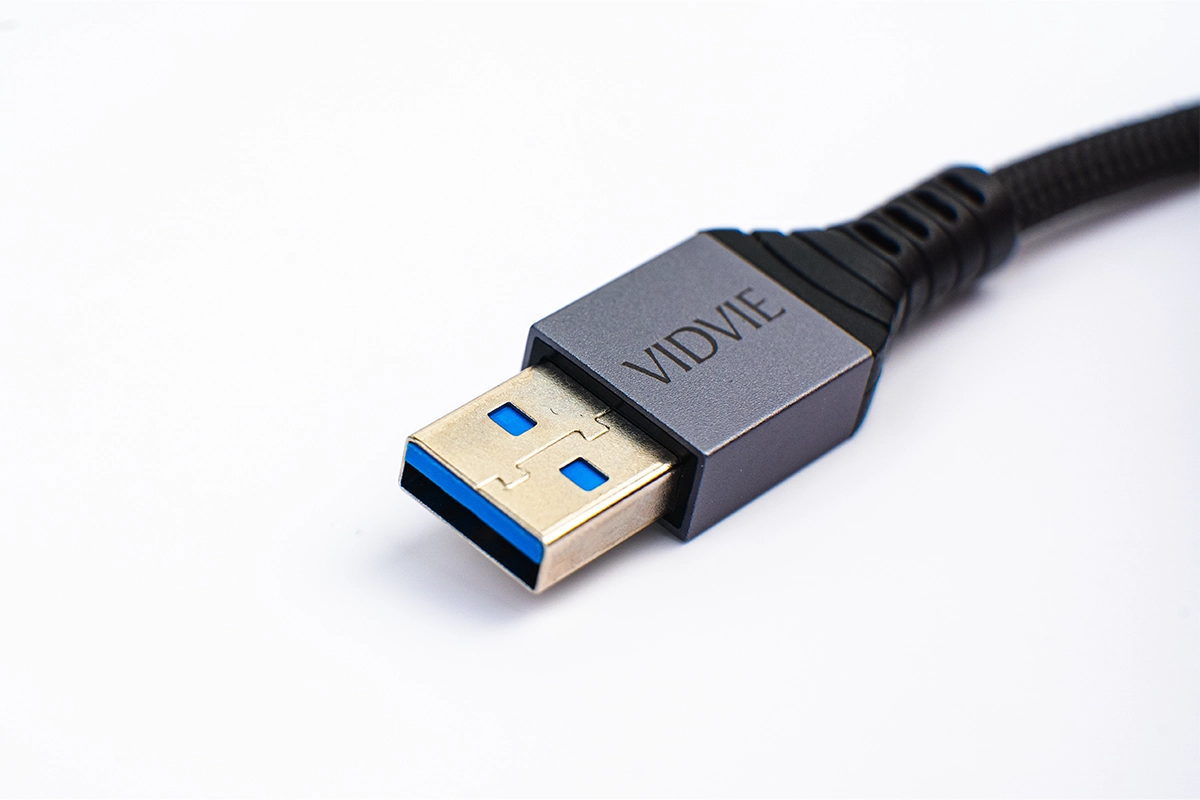
VIDVIE Nylon Braided Wire USB Type C 3A Fast Charging Data Cable.Request a Quote.
Introduced in the mid-90s, USB A was one of the earliest USB designs, making it incredibly common. Its wide compatibility has kept it in use across countless devices, from computers to gaming consoles to charging ports in cars. Although newer types like USB C are more advanced, USB A remains widely used today, especially for older and standard tech devices.
What is USB C?
USB C is the newer, more versatile USB connector that’s fast becoming the standard for modern tech. Unlike the old USB A, USB C has a small, oval, symmetrical design, which means it fits both ways—no more flipping the plug around! It’s all about simplicity and efficiency.
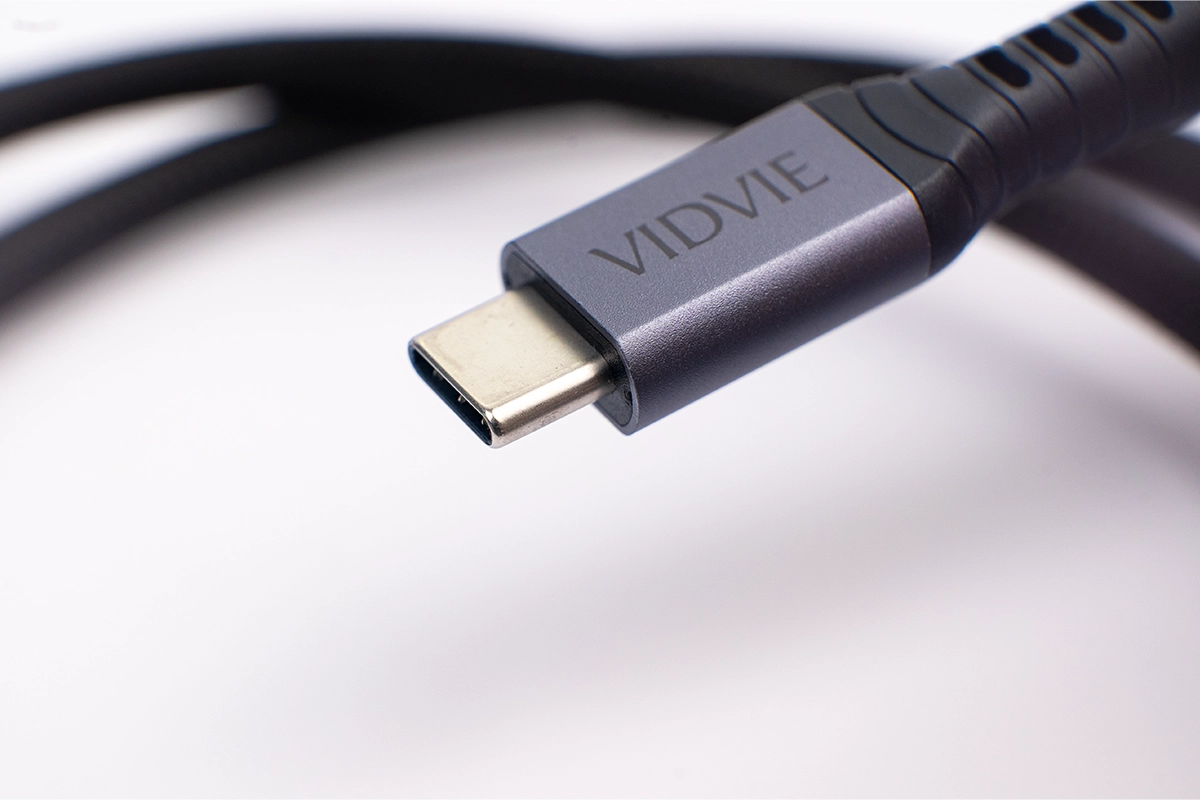
USB C is popular in today’s devices because it can handle faster data transfer and higher power levels, making it great for quickly charging phones, laptops, and even some tablets. Beyond just power and speed, USB C is also incredibly flexible: it can support data, power, and even video output all in one cable. This versatility has made it the go-to choice for many new gadgets, from smartphones to gaming consoles and laptops.
Key Differences Between USB A vs USB C
When it comes to USB A vs. USB C, there are some major differences. Let’s break it down:
Physical Design
USB A has a larger, rectangular shape. It’s been around for ages and only plugs in one way. USB C, on the other hand, is smaller, oval-shaped, and symmetrical. You can plug it in any way—it fits both directions. This reversible design makes USB C more user-friendly and easier to connect.
Data Transfer Speed
Data speed is where USB C really shines. While USB A can handle standard speeds, USB C supports newer versions like USB 3.1, USB 3.2, and even Thunderbolt 3 and 4. This means it can transfer data at much higher rates—great for moving large files quickly, like videos or photos.
Power Supply
USB A has limited power capabilities, which makes it suitable for smaller devices but not for anything that needs a big power boost. USB C, though, supports fast charging and high power output. It can even power up larger devices like laptops, making it incredibly versatile. With USB C, you’re looking at faster charging and support for more power-hungry devices.
Compatibility and Adoption
USB A is still widely used with older devices, like older computers, printers, and accessories. It’s reliable, but it doesn’t support all the latest tech features. USB C, however, was made with modern devices in mind. From smartphones and laptops to gaming consoles, USB C is becoming the go-to for newer technology.
Discuss common applications for USB A and USB C in various scenarios:
USB-A is more commonly found on older devices. It’s a reliable choice for connecting to printers, keyboards, or older computers that may not support newer ports. It’s widely used in places where traditional connections are enough for power or data transfer.
USB-C, on the other hand, is the modern, versatile choice for newer tech. It works across smartphones, tablets, and even many laptops, allowing for universal charging and quick data transfer. USB-C’s design lets it handle more power and data than USB-A, making it a great option if you want to use one type of cable for multiple devices.
Wrap up
So, when deciding between USB-A vs USB-C, think about your devices and what you need. If you’re working with older gadgets, USB-A is still a good choice. But for newer tech or when you want faster data transfer and universal compatibility, USB-C is the way to go.
FAQs
Can USB-A devices be used with USB-C?
Yes! You can use a USB-A device with a USB-C port, but you’ll need an adapter or a special cable that has a USB-A connector on one end and a USB-C connector on the other. This way, you can still connect older devices to newer tech without any issues.
Why is USB-C considered better than USB-A?
USB-C is considered better because it offers faster data transfer, higher power delivery, and reversible design (no more flipping the plug around to get it in). It also works with many types of devices, from smartphones to laptops, all with one universal port. It’s more versatile and future-proof than USB-A, which is why it’s becoming the new standard.
Is USB-C compatible with older devices?
USB-C is not natively compatible with older devices that only have USB-A ports. However, you can still connect USB-C devices to older tech using adapters or cables with a USB-A end. It’s all about having the right accessories to bridge the gap between the old and new.