
Power banks are lifesavers when our devices run out of juice, but like any gadget, they can act up sometimes. Maybe your power bank isn’t charging your phone properly. Perhaps it’s overheating, or worse, not responding at all. These are common issues, and they can leave you feeling frustrated. Resetting your power bank is often a quick fix for these problems. It’s easy, doesn’t require special tools, and can save you the hassle of buying a new one. In this guide, we’ll explain why resets are necessary and how to do it step by step, ensuring your power bank works like new.
Table of Contents
When Should You Reset a Power Bank?
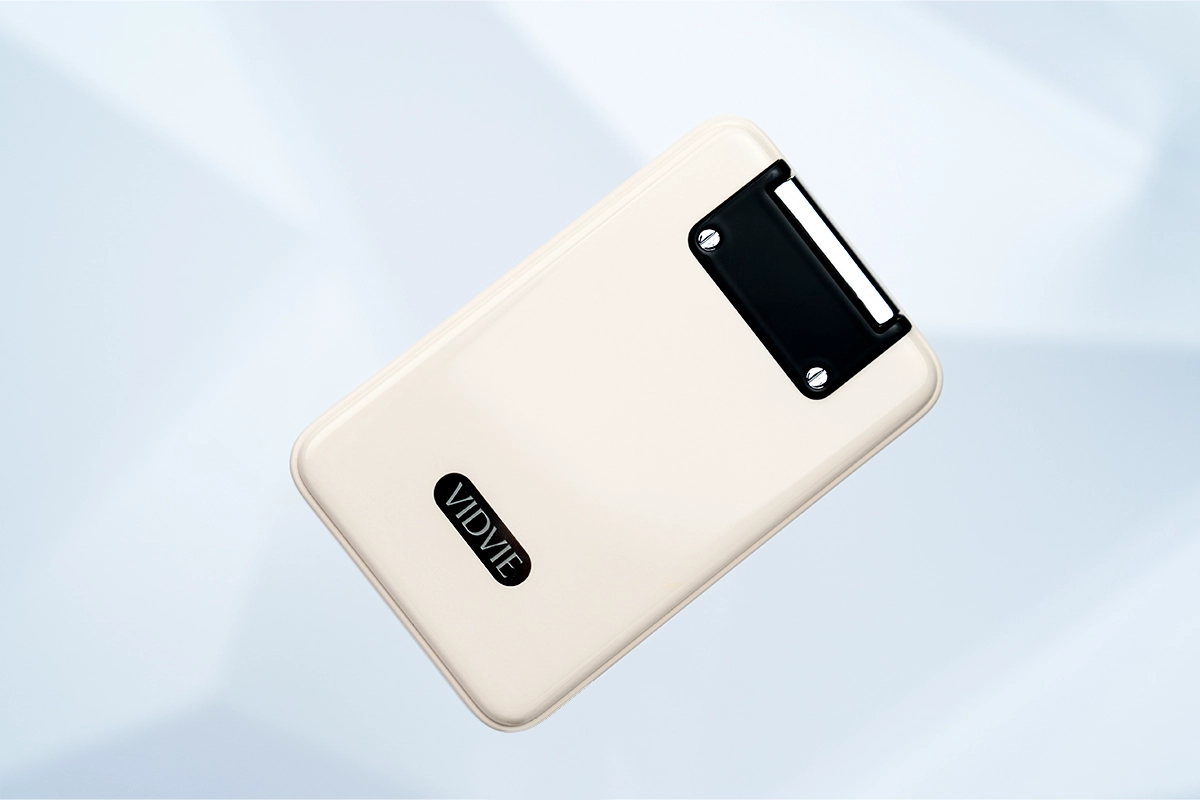
Sometimes, power banks act up, and knowing when to reset them can save you a lot of trouble. Here are some common signs that your power bank might need a quick reset:
Not charging properly: If your power bank won’t charge itself or charges your device super slowly, it’s time to reset.
Overheating or sudden shutdowns: Feeling too hot to touch or shutting down on its own? That’s not normal.
Flashing but not working: If the lights keep blinking, but your device isn’t charging, there’s likely an issue.
Battery troubles: Draining faster than usual? Not holding its charge? Resetting can often fix these problems.
A reset helps clear out small glitches, kind of like restarting your phone when it lags. Keep reading to learn how you can do it safely and easily.
How to Reset Power Banks?
A quick guide to help:
Use a USB Cable for a Reset Cycle
Plug a USB cable into the input port (the one used for charging the power bank). Then, plug it into the output port (where you charge your devices). This process, called cycling, helps to clear minor glitches in the system.
Press and Hold the Power Button
Many power banks, like Samsung or Xiaomi models, have a reset feature built into the power button. Hold it down for about 10 seconds. You’ll usually see the LED lights flash or blink. That’s a sign the reset is working.
Fully Drain the Battery
Use the power bank until it’s completely out of charge. Then, plug it in and recharge it fully without interruptions. This helps recalibrate the battery and restore performance.
These methods are straightforward and work for most brands. If your power bank still doesn’t work, it might need professional help or a replacement. Always check the manual for model-specific instructions to be sure!
How to Reset VIDVIE PowerBank?
Taking VIDVIE PB7020 as an example, resetting the phone only requires two steps:
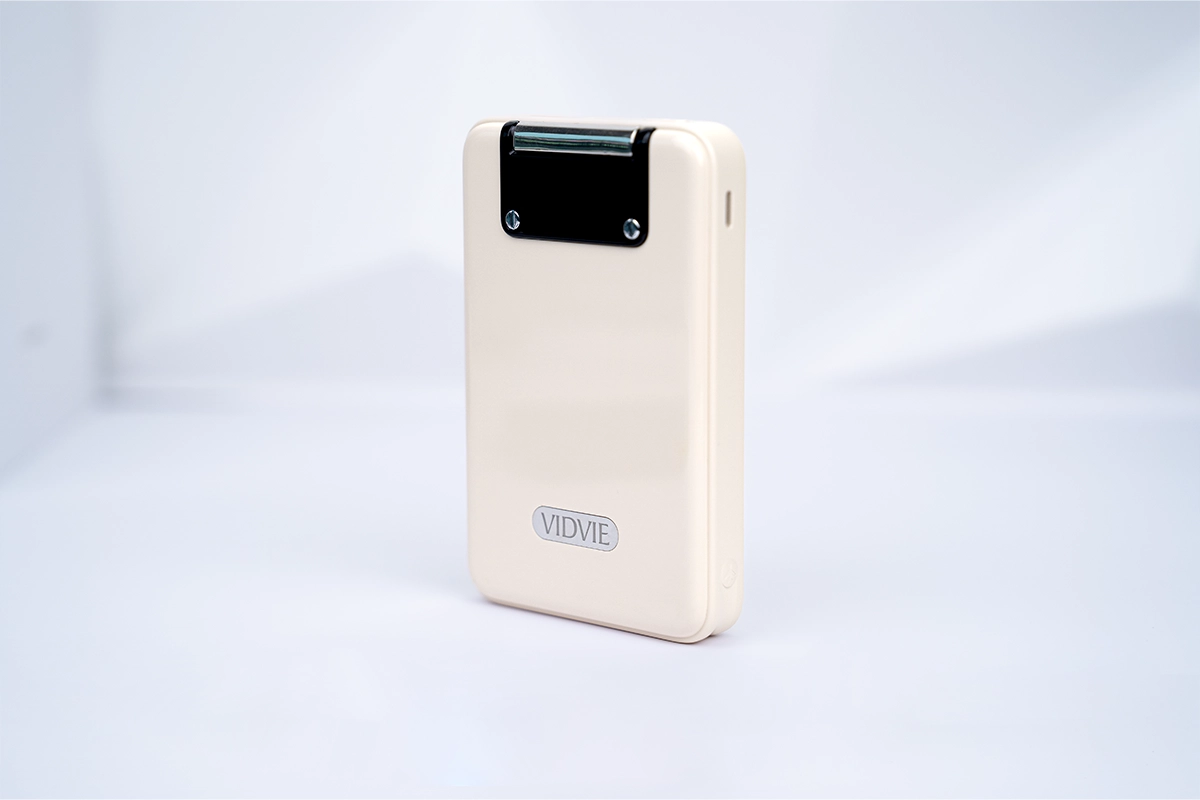
Designed for on-the-go convenience, this portable magnetic wireless charger easily fits in your bag or pocket. Its sleek design makes it a stylish accessory for anyone looking to stay powered up anywhere, anytime.Send your enquiry.
①Double-click the power button to turn off the power bank.

②Wait a few seconds and press(one time) the power button again.

Why Reset May Not Work?
It could be something more serious:
Hardware issues: Internal parts, like the circuit board or charging ports, might be damaged. If they’re broken, no reset can fix that.
Battery problems: Over time, the battery inside the power bank can wear out. If it’s not holding a charge or draining too fast, it might be beyond saving.
Maintenance Tips
Taking care of your power bank can keep it working like a charm for a long time. Here are three easy tips:
Use the right cables: Always stick to compatible cables for charging. Avoid overcharging your power bank or letting it overheat—it’s a quick way to damage it.
Keep it clean and safe: Wipe off dust and dirt regularly. Avoid exposing it to extreme heat, cold, or moisture. A little care goes a long way in preventing damage.
Charge it regularly: Even if you’re not using it, plug it in for a full charge once in a while. This helps maintain the battery and prevents it from losing capacity over time.
FAQs
Why isn’t my power bank working after a reset?
If a reset didn’t fix the problem, it might be due to hardware damage or a worn-out battery. In such cases, replacing the power bank is usually the best solution.
Can I damage my power bank by resetting it too often?
No, resetting doesn’t harm your power bank. It’s like restarting a phone—safe and helpful when done as needed. Just avoid resetting it unnecessarily.
How do I know if my power bank needs to be replaced?
If it won’t charge, drains too quickly, or overheats even after a reset, it’s likely time for a new one. Also, if you notice physical damage, replace it immediately for safety.
In the end
In this guide, we’ve covered everything you need to know about resetting your power bank. We’ve looked at common problems, like charging issues or overheating, and explained simple ways to fix them with a reset. We also gave you tips on how to maintain your power bank to avoid future problems and how to tell if it’s time to replace it. By following these steps, you can keep your power bank working well for longer, saving you from unnecessary hassle and cost.
Great post! VIDVIE power banks are really reliable, and this reset guide just made them even easier to manage. Appreciate the clear steps!